HOW TO DEPOSIT ON SCRATCH2WIN
You can fund your wallet through any of the underlisted payment options available on the site as follows:

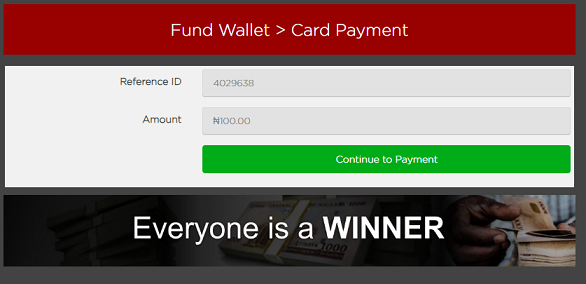
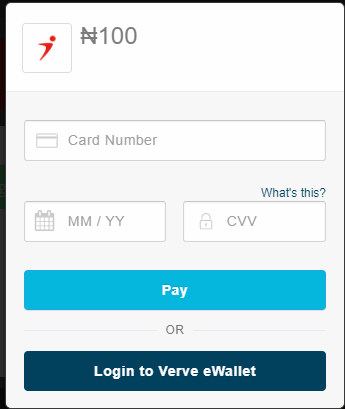


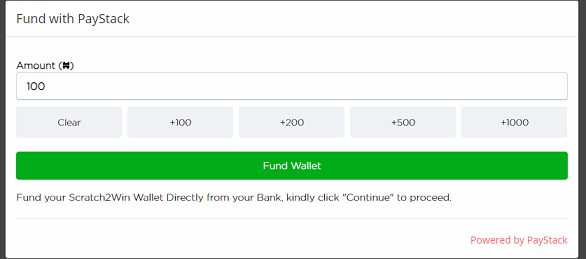
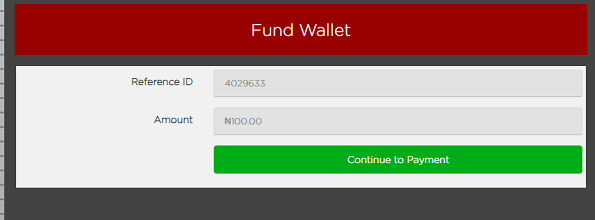

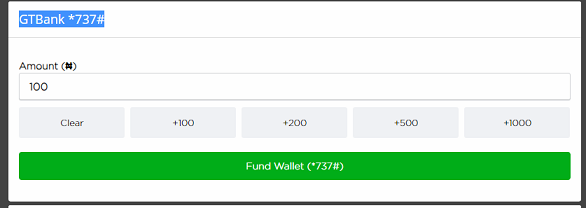
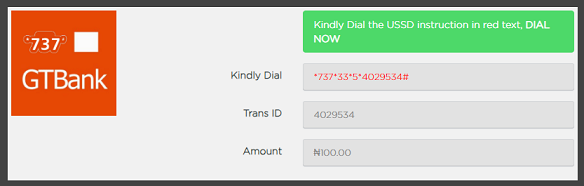
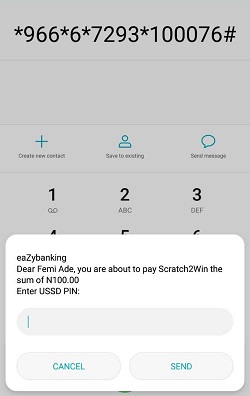
a. Enter your email or mobile number
b. Enter Scratch2Win Wallet ID: 10****.
c. Enter Amount
d. Click continue
| SN | Bank | Code |
|---|---|---|
| 1 | Access Bank | *901*1000*0821819724# |
| 2 | First Bank | *894*1000*2034520569# |
| 3 | GTB | *737*1*1000*0386468259# |
| 4 | UBA | *919*3*1022153877*1000# |
| 5 | Wema Bank | *945*0122981407*1000# |
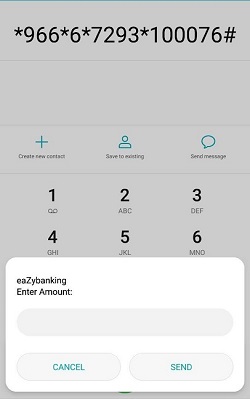
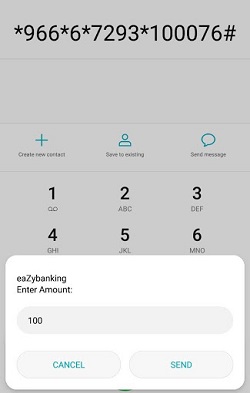
| 6 | Zenith | *966*1000*1015503614# |
Upon Successful Transfer
| SN | Bank | AccNumber | Name | |
|---|---|---|---|---|
| 1 | Access Bank | 0821819724 | Luke Harris & Seni Limited | |
| 2 | First Bank | 2034520569 | Luke Harris & Seni Limited | |
| 3 | GTB | 0386468259 | Luke Harris & Seni Limited | |
| 4 | UBA | 1022153877 | Luke Harris & Seni Limited | |
| 5 | Wema Bank | 0122981407 | Luke Harris & Seni Limited | |
| 6 | Zenith | 1015503614 | Luke Harris & Seni Limited |
Enter Your Wallet as the Depositor name and follow the instruction below
Upon Successful TransferStep 1: Click here to raise a ticket
Step 2: Select Wallet Funding and provide all the required information and click submit
Step 3: Your account will be credited immediately we recieve payment from your bank
Upon Successful Transfer
1. How to Deposit with GTBank Website
- Login in to your GTBank account
- From the Internet banking homepage, click 'Sports and Gaming'. Scroll and select 'SCRATCH2WIN' and then click 'WALLET FUNDING'.
- Enter your Scratch2Win WalletID: , and the Amount you wish to deposit
- Confirm all your details and bank charges. Answer any security questions and enter your token code.
- Upon successful payment, your transaction receipt will then be displayed
- Your Scratch2Win Wallet will be credited immediately on successful payment.
2. How to Deposit with GTBank Mobile App
- Open the GTBank mobile banking app and sign in.
- Click on 'Sports and Gaming'.
- Click on 'SCRATCH2WIN' and select 'WALLET FUNDING'.
- Enter your S2Win WalletID: and the amount you wish to deposit.
- Select the GT Bank account that you wish to make the deposit from, insert your mobile banking pin and confirm.
- Upon successful payment, your S2Win wallet will be credited instantly.
Please note as Follows:
By creating an account you indicate your legal capacity to enter into a contract in the jurisdiction where you reside. However, person(s) under the age of 18(Eighteen) years are not eligible to create a Scratch2Win account on the website